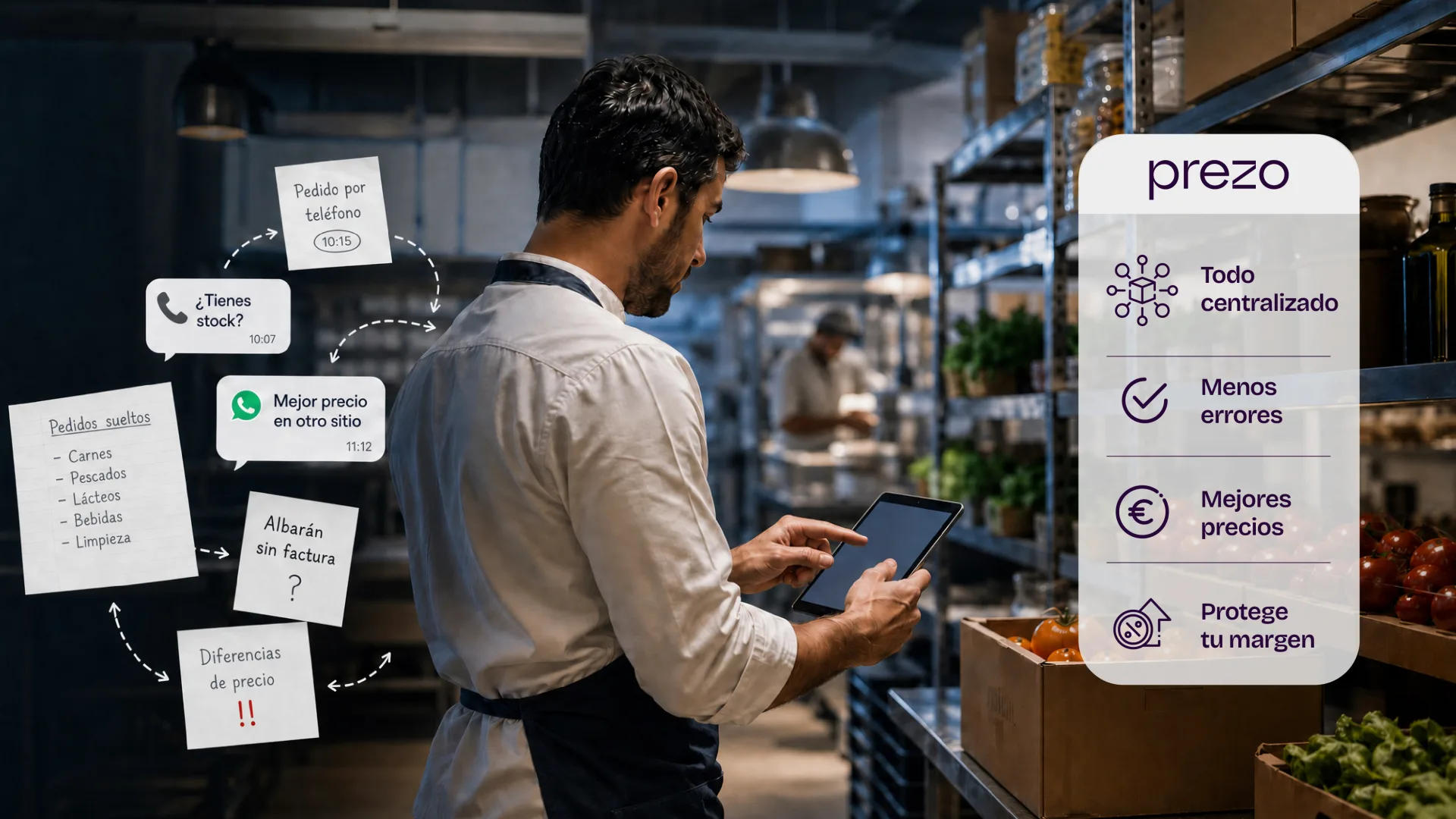

In a restaurant, margin is rarely lost all at once: it slips away order by order, without anyone noticing. And stopping that loss isn't about ordering better over WhatsApp: it's about taking your orders out of scattered channels and moving them into a system. Centralizing every order in one place, keeping a record of what was ordered, from whom, and at what price, having a profile for each supplier, and being able to compare what you pay today with what you paid three months ago. With that, the mistake stops being invisible and the price stops rising behind your back.
Think about how it works today: you place the order mid-afternoon, between the end of lunch service and the start of dinner. A WhatsApp to the usual rep, a quick call, a note on a scrap of paper nobody can find later. It works… until the delivery note arrives with an extra case, a swapped item, or a price that wasn't the one you remembered. And right there, without anyone seeing it, part of your margin slips away.
In this guide we walk you through how to organize your restaurant's supplier orders step by step: what fails in the "old-school" method, what data is worth recording for each supplier, and how to use price history to protect your margin.
Why money is lost on supplier orders
In hospitality, purchasing is the second-largest expense after staff, yet it's the one with the least day-to-day control. Not because nobody cares, but because purchasing in a restaurant is almost never structured: it's been built on the fly, propped up by one person's memory and tools that were never designed for this. While the business is small, it holds. Once it grows —more items, more suppliers, more locations— the same method starts to cost money. And the problem is that this cost doesn't show up under its own name in any account: it's spread across small leaks that, added up, eat into your margin.
The problem isn't volume, it's how the order is communicated
A restaurant can handle dozens of orders a week without breaking a sweat. What causes the failure isn't the quantity, it's the channel. Supplier orders in a restaurant are placed over WhatsApp, by phone, or through scattered emails, and none of those channels leaves a record you can check afterwards. It's not clear who ordered what, when, or at what price. If that person is off, on sick leave, or leaves, the information goes with them. Fragmented communication is one of the most common causes of ordering errors, and in a kitchen a mistake doesn't stay a misunderstanding: it becomes an extra case, a stockout, or a service that goes wrong.
The invisible cost: errors, returns, and prices that change on their own
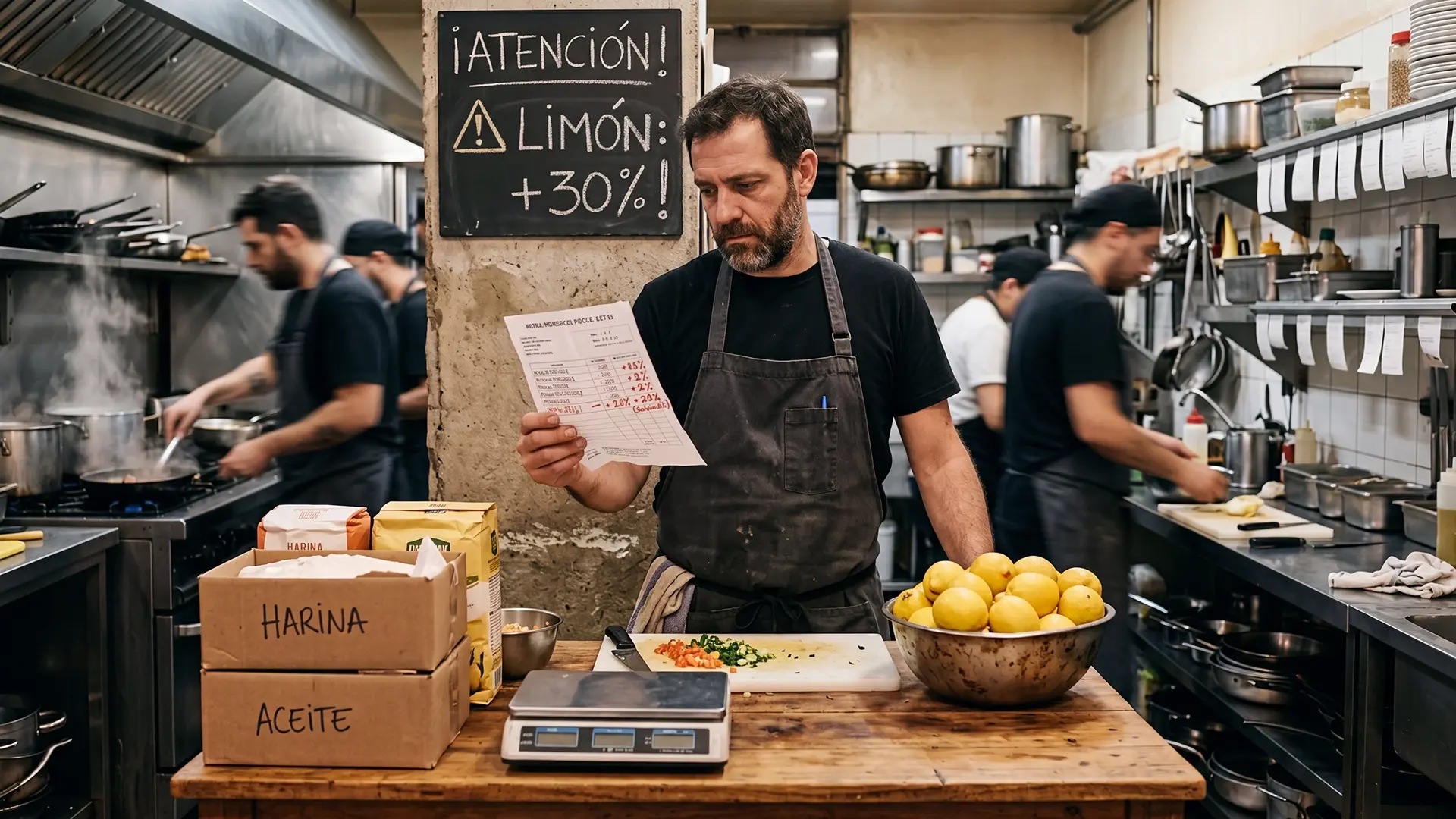
When there's no record, the mistake isn't visible until you've already paid for it. The delivery note arrives, it doesn't match what you thought you'd ordered, and that's where the chain starts: the return nobody handles, the product that gets accepted anyway "to keep things simple," the credit the supplier promises and never sends. But the quietest leak is the price. Without a history to look back on, you have no way of knowing whether oil has gone up 8% this quarter or whether a supplier is overcharging you on specific items. The price changes and you just absorb it, because there was no way to compare it. That, order by order, is where the margin is lost.
What it really means to organize purchasing
When someone says they're going to "organize the orders," what they often do is open another WhatsApp group, add colored labels, or set up a spreadsheet they update by hand. It's more order, sure, but it's still the same fragile method that depends on one person not slipping up. Really organizing purchasing is something else. It's about the process no longer living in someone's head and instead being in a place where anyone on the team can see what's going on. It's not about working more, but about the order, once it's placed, being done: recorded, checkable, and comparable. And that rests on two very concrete pillars the old method never had:
- Centralize orders in one place. All supplier orders go out from the same place and in the same format, no matter who places them or who they go to: it doesn't matter whether it's Makro, the produce guy, or the drinks distributor. When each supplier is handled through a different channel (this one on WhatsApp, that one by phone, another through an email that gets lost), you don't have a picture of your purchasing, you have loose pieces. With a single channel you stop depending on where each person jotted down what they ordered and start looking at your purchasing as a single operation, not ten scattered conversations.
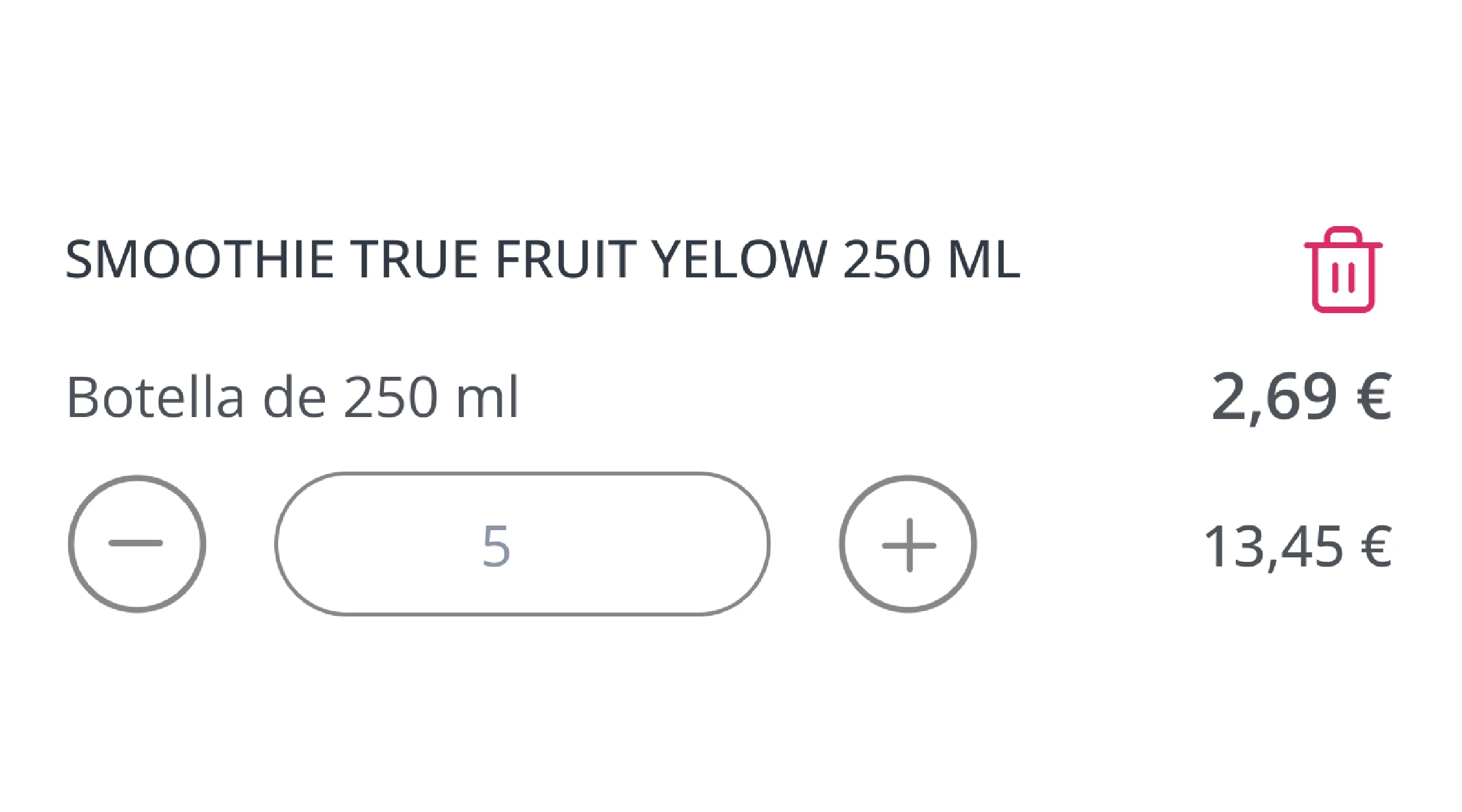
- Keep a record of every order. What was ordered, from which supplier, on what date, in what quantity, and at what price. It seems obvious, but it's exactly what WhatsApp and phone calls don't give you. With a record, if a delivery note doesn't add up, you have something to check it against on the spot instead of reconstructing it from memory. If someone on the team is off, whoever comes in sees what was ordered without asking. And if a supplier raises a price, the before and after are there in writing. A record isn't bureaucracy: it's what turns each order into information for controlling spend, instead of a message that gets lost in the scroll.
What data to record for each supplier
Centralizing and recording orders solves the "how," but the "what" is still missing. Because a well-stored order is worth little if you don't know who you're dealing with. Every supplier has their own terms, timings, and prices, and that information, when it exists, is usually scattered between the head chef's memory, an old email, and what the longest-serving staff member remembers. Having a profile for each supplier is what lets you order well, receive goods with judgment, and above all negotiate with data in hand instead of with gut feelings. There are two layers of information worth keeping organized: the supplier profile and their history.
The essential supplier profile
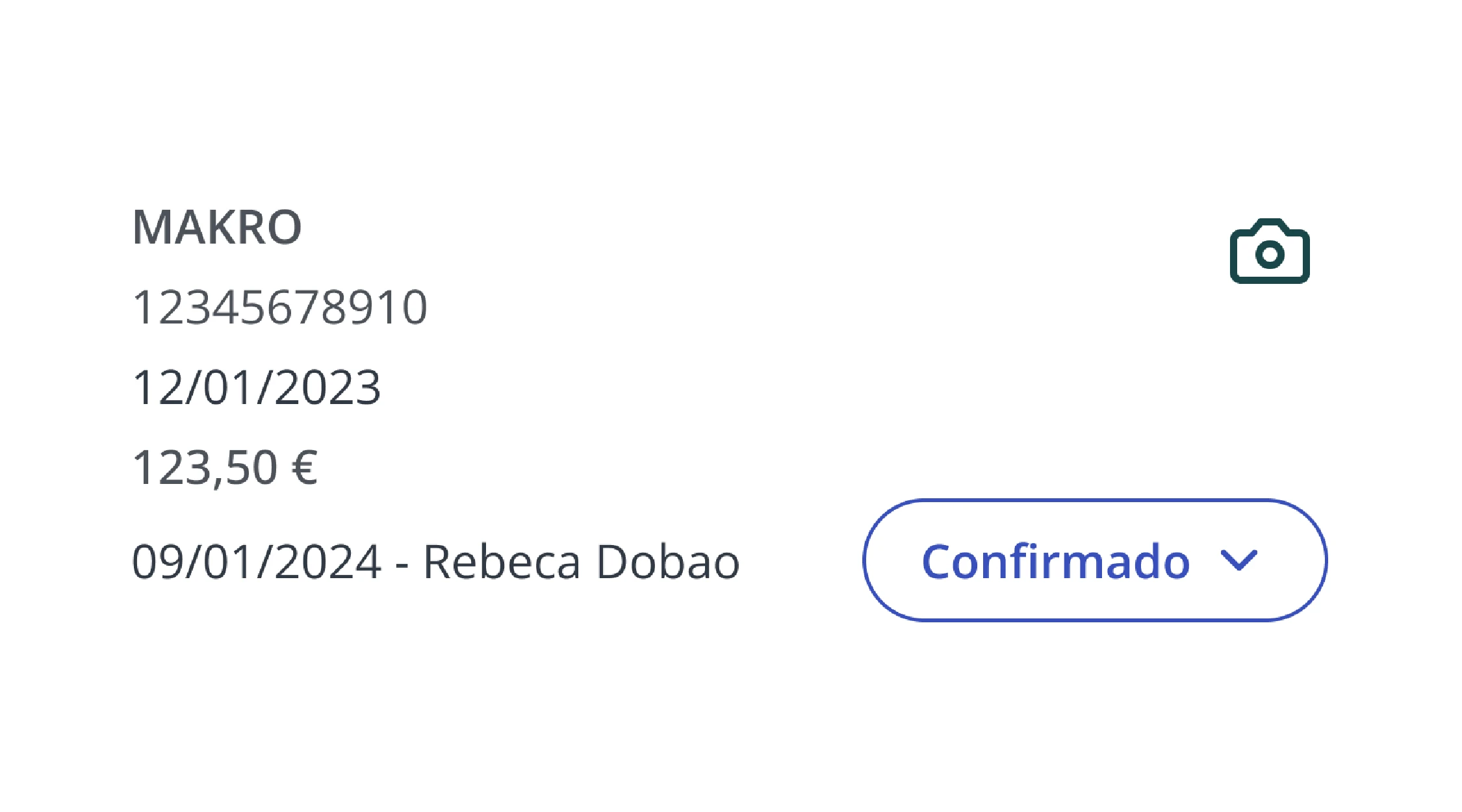
The profile is the fixed information for each supplier, the part that doesn't change with each order but shapes every one of them. At a minimum it should include: the real contact details (not just the mobile number of the rep who one day moves on), the items you buy from them with their sales format (case, kilo, unit), the minimum order, delivery days and times, and the agreed payment terms. It seems basic, but it's exactly what's missing the day you have to place an urgent order and the usual person isn't there. With a complete profile, anyone on the team can order from that supplier without getting the format wrong or missing the minimum, and you can see at a glance who you buy what from and under what terms.
The history: the information you have scattered today
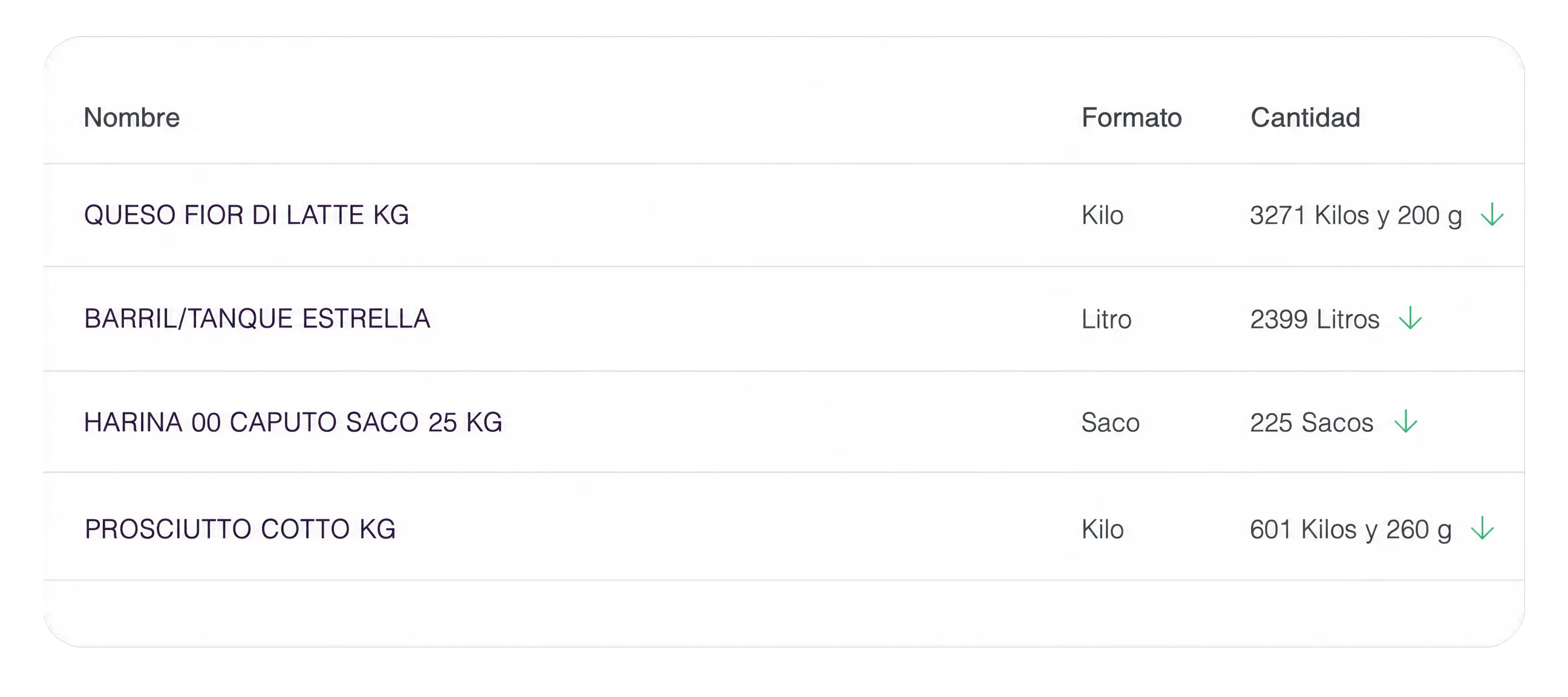
The second layer is the one that really makes the difference: the history of what you've ordered from each supplier. How many times you've bought from them, which items, in what quantities, how much each order has cost you on average, and how many returns there have been. This information exists today (it's in the delivery notes, the emails, the WhatsApp threads), but it's so scattered that you don't use it. And that's a shame, because it's what tells you who serves you well and who gives you trouble, which supplier is worth it and which one has been raising your prices for months without warning. Bringing that history together in one place is what turns the supplier relationship into something you can analyze, rather than just a habit you carry on because "we've always bought from them."
How to compare purchase prices over time
This is the point where purchasing stops being administrative and starts defending your margin. Raw materials go up, down, and back up constantly, and in hospitality you work with too many items to keep those changes in your head. If you only look at today's order price, you have no context: you don't know whether it's expensive, cheap, or normal. Comparing prices over time is what gives you that reference. You don't need to be an analyst; you need to have the data organized and know which two things to look at:
Average price, not a one-off price: the price on a single invoice tells you nothing. A case of tomatoes being €18 today only makes sense if you know what you've paid for it in recent weeks. That's why what matters isn't the one-off price, but the average price of each item over time. With that average you can answer questions you can't answer today: is this supplier more expensive than the other on the same items? Has the price crept up little by little or was it a one-time hike? Is it worth buying more volume when it drops? A one-off price is a snapshot; the price series is the movie, and it's the movie that lets you decide with judgment instead of by guesswork.
Catch price hikes before they eat your margin: the price increases that do damage are almost never the big, obvious ones. They're the small ones, the 3% or 5% on an item you use every day, the ones that slip through without anyone approving them. And that's where you connect purchasing with the rest of your business: the price you buy at is the real cost in your recipe costings. If an item goes up and you don't see it, your food cost rises with it and your margin drops without you touching either the menu or your selling prices. Comparing prices over time is, at its core, an early-warning system: it tells you what's rising while you can still react (renegotiate, switch supplier, or adjust the dish) and not three months later, when the damage is already done.
The order is the first link, not the last
So far we've talked about the order, but the order isn't an end in itself: it's the start of a chain. An order becomes a delivery note when the goods arrive, that note is matched against an invoice, that invoice feeds the cost in your recipe costings, and that cost determines your real margin. Everything is linked. And this has a very concrete practical consequence: if the data goes in wrong at the first link, it comes out wrong at every other one. An order with the wrong item or a badly recorded price drags the error all the way to the costing, and you end up making menu decisions with numbers that aren't real.
That's why a standalone ordering app, however convenient, doesn't solve the underlying problem. It helps you order, but it doesn't connect that order with the delivery note, the invoice, and the cost. And without that connection, you still have loose pieces: you order better, but you control just as little. The difference between a tool for ordering and a system for control is exactly there: whether the data travels clean and connected from the order to the margin, or whether every link starts over from scratch. Organizing orders only truly protects your money when it's part of a complete circuit, not when it's just one more island.
How we organize supplier orders at PREZO
Everything above is the principle; this is how we put it into practice at PREZO. Supplier orders are placed from a single place and sent by email or WhatsApp without leaving the platform, so you centralize without changing the way your suppliers are used to receiving them. Every order is recorded and visible to the whole team: who ordered, what, when, and at what price. Every supplier has a profile with their items and key figures (average items per order, average price, returns, total amount), and price changes are kept in plain sight so no increase goes unnoticed.
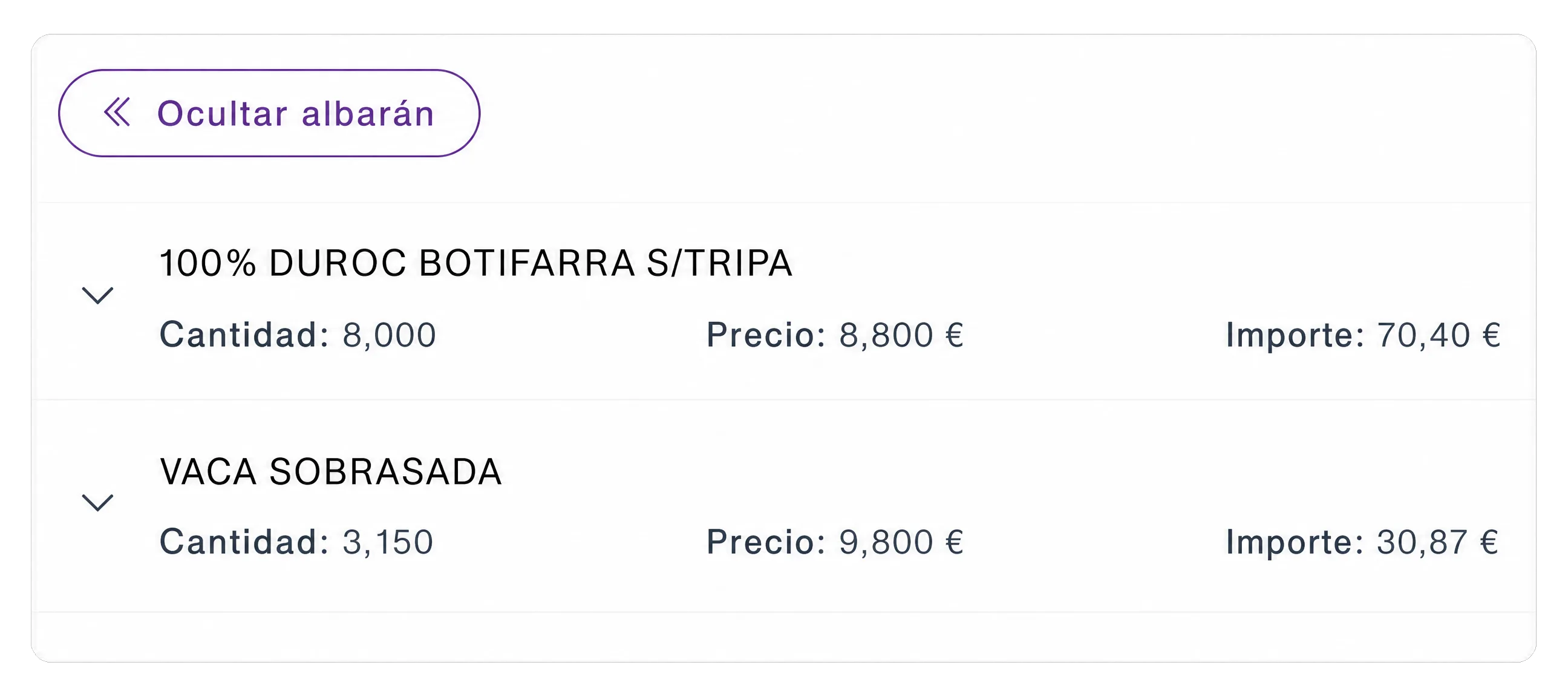
And there's one point where this really shows: the invoice. When it arrives, PREZO automatically matches it against the order and the delivery note, and alerts you if something doesn't add up. That's what protects you from the most expensive and hardest-to-catch mistake by hand: the supplier who invoices more units than they delivered, or who applies a unit price different from the one agreed and overcharges you without it being obvious. Instead of finding out weeks later (if you find out at all), you see it at receiving, which is when you can still make a claim.
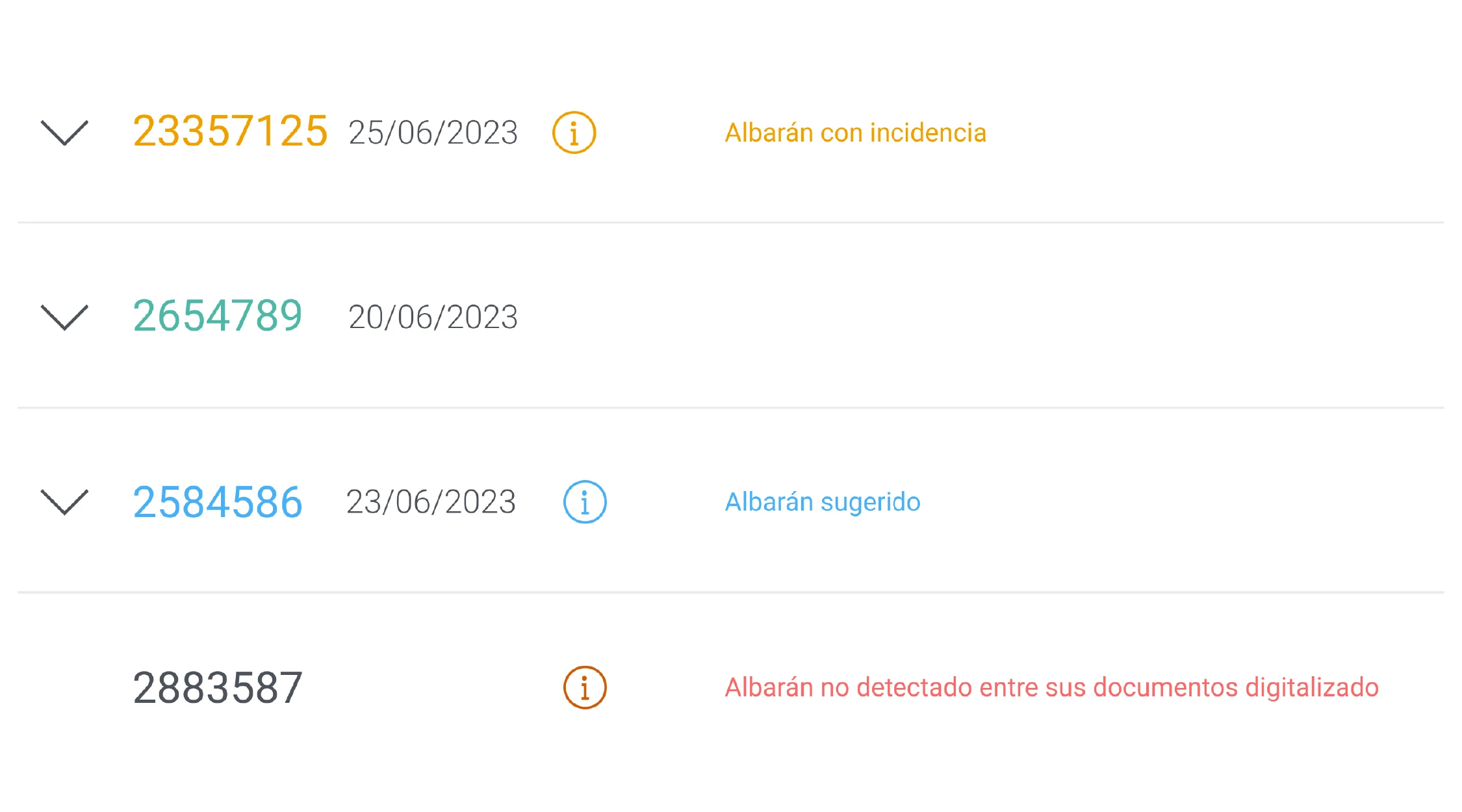
Prices work the same way. If an item arrives at a price different from the previous invoice, the system flags it instead of letting it through. That way a hike doesn't slip in silently: you see it, you decide whether to accept it, and if it doesn't add up, you have the data to sit down and talk with the supplier. Between these alerts and the notifications for stock or pending invoices, control stops depending on someone remembering to check everything by hand.
With everything connected (order, delivery note, invoice, and costing), the data goes in once and travels clean all the way to your margin. In practice, that's up to 30% less time spent managing orders and up to 95% fewer errors, because it puts an end to mis-recorded quantities and items swapped from memory.
If you want to see how it would work in your restaurant, get in touch and we'll show you with your own suppliers.
Frequently asked questions
How do I know if a supplier is overcharging me?
By comparing the current price with what you've paid for that same item in previous orders. A one-off price won't tell you; the price series will. If you don't keep that history, small increases —3% or 5% on a daily-use product— go unnoticed. Saving the price of every order is what lets you detect them and sit down to renegotiate with data. With PREZO that control is automated: when it reconciles each invoice with the order and the delivery note, the system compares the price with previous purchases and alerts you when an item arrives more expensive or when you're billed for more than you received. That way you don't depend on remembering to check invoice by invoice: the deviation flags itself.
What's the difference between an order, a delivery note, and an invoice?
The order is what you request from the supplier. The delivery note is the document that arrives with the goods and details what was delivered. The invoice is the accounting document with the amount to pay. Matching all three is what prevents overpaying: it verifies that they served what you ordered and that they bill you for what they served, no more and no less.
Is software worth it for orders, or is WhatsApp and Excel enough?
While the business is small and one person controls everything, the manual method can hold. The problem comes with volume: more items, more suppliers, or more locations mean WhatsApp and Excel stop giving a clear picture and start costing errors. Software makes sense when you want control not to depend on anyone's memory and the order data to arrive connected all the way to your margin.
How do I reduce errors in supplier orders?
With three things: centralize orders in a single channel, keep a record of each one (what, from whom, when, and for how much), and always match the delivery note against what was ordered at receiving. Most errors don't come from carelessness, but from ordering through channels that leave no trace. As soon as there's a record, the mistake is visible on the spot instead of showing up once you've already paid for it.